Filter Setup
Our filtering system has a wide range of parameters that provide impenetrable protection for your content from bots, moderators, and unwanted traffic. You can create filter objects separately from streams, making it easy to link filters to your streams later.
Filtering Parameters
Filtering by countries and languages:
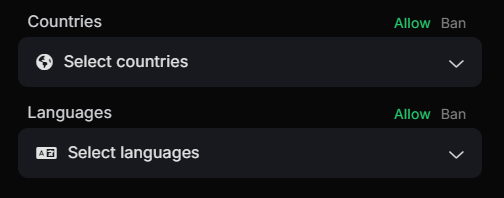
Allows you to limit the potential visitors to your content to specified countries and languages. If the fields are empty, no filtering will be applied (it will allow all).
Blocking by query parameters:
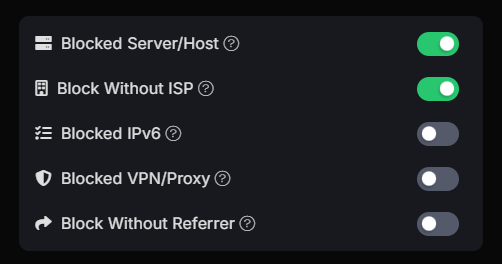
Block Server/Host — block all requests from servers and hosts. We recommend keeping this parameter enabled.
Block without ISP — block all requests without a specified Internet Service Provider. We recommend keeping this parameter enabled.
Block IPv6 — block all requests from IPv6 addresses. It is not recommended to enable this parameter unless necessary.
Block VPN/Proxy — block all requests using VPN/Proxy.
Block without Referrer — block all direct link visits.
Blocking by device parameters:
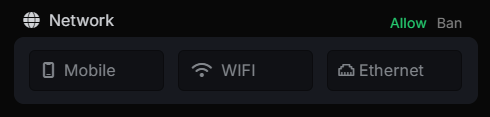
Allow/Block by network parameters. If nothing is selected, the check is ignored.
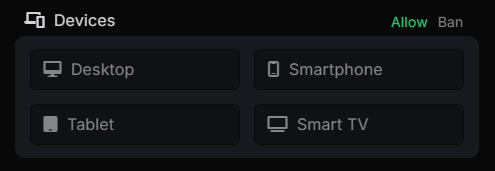
Allow/Block by device types. If nothing is selected, the check is ignored.
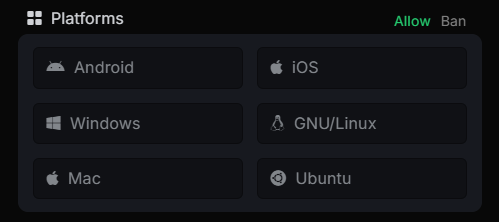
Allow/Block by operating systems. If nothing is selected, the check is ignored.
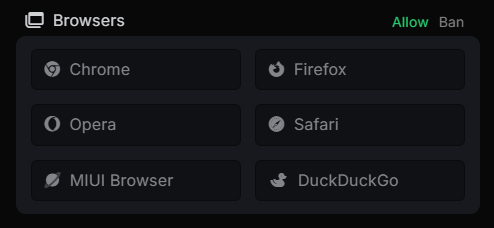
Allow/Block by browsers. If nothing is selected, the check is ignored.
Filtering by JavaScript fingerprints:
These settings control JavaScript fingerprinting — one of the most reliable and advanced traffic filtering technologies in Cloaking Master. If any of the settings are enabled, visitors who pass the filters above will undergo JavaScript verification. A white page is loaded, hidden from view under a white background and a loader, and only after successfully passing all JS filters will the content be redirected or replaced with the offer page. If the visitor fails the JS check, the white background and loader are hidden, and they remain on the white page.
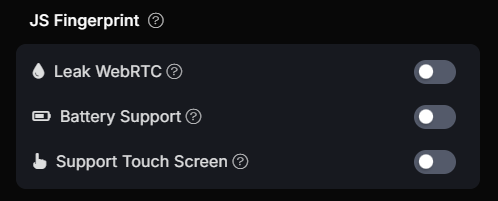
WebRTC Leak — This technology exposes your real IP address to websites even when using a VPN. If the IP address obtained via WebRTC does not match the IP address of the request, the user will be blocked.
Battery Support — This setting requires battery support in the device. If it is absent, the user will be blocked.
Touchscreen Support — Require touchscreen support in visitors' devices. If this setting is enabled and the device lacks touchscreen support, the visitor will be blocked. This can be useful in ad campaigns targeted at mobile traffic and modern phones and tablets. This setting alone is enough to filter out many moderators and antivirus bots that are based on desktop browsers.

Fake CAPTCHA — This setting guarantees 100% protection even against the most advanced bots. When enabled, visitors are shown a white page hidden under a white background and CAPTCHA. A live user simply needs to check the box, and then the content starts replacing with the offer page. The background is then removed. Fake CAPTCHA is completely invisible even to the most advanced bots based on desktop browsers.
Filtering by screen size:
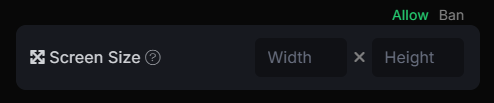
This setting allows you to allow/block devices by their screen size. You can specify an acceptable width or height in pixels, either greater than or less than the value. Example: >500 or <900